
Discover how to build a powerful email automation ecosystem with proven strategies, the right tools, and best practices. Learn about triggers, lead generation, journey design, and platform selection to boost engagement and conversions.
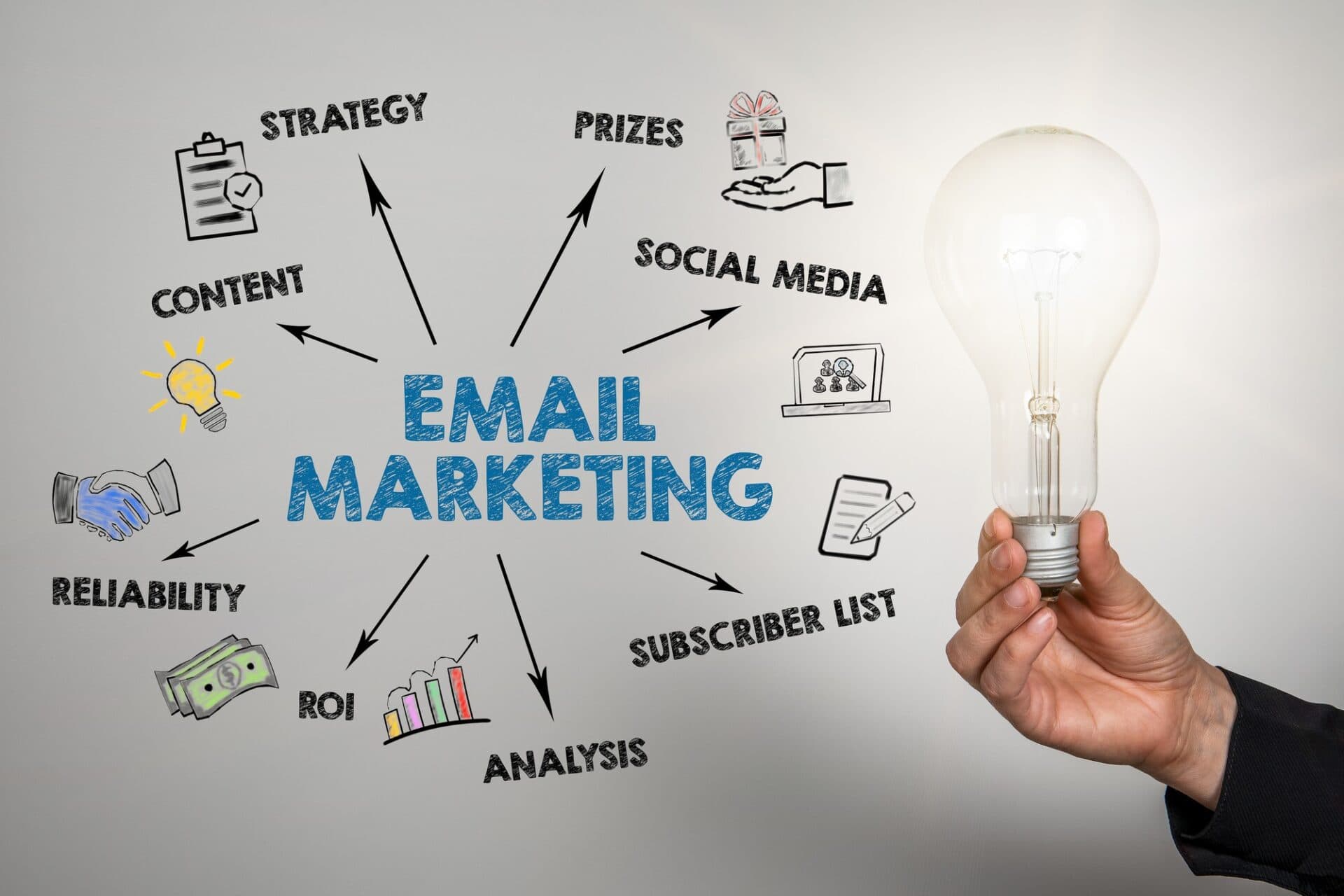
Email automation has revolutionized digital marketing and customer engagement by enabling businesses to send personalized, timely messages at scale without manual intervention. At its core, email automation involves setting up triggers specific user actions or eventsthat initiate a sequence of emails. This not only saves time but also enhances user experience, boosts conversion rates, and nurtures leads through structured journeys.
In today's fast-paced digital landscape, where consumers expect instant and relevant communication, email automation is indispensable. According to industry reports, automated emails generate 320% more revenue than non-automated ones, and they have an average open rate of 71.5%. This guide expands on key concepts from email triggers, journey design, platform selection, lead generation, and custom implementations. We'll delve into SMTP-based setups using Gmail or webmail, third-party tools like Mailchimp and GetResponse, WordPress integrations, and more. By the end, you'll have a thorough understanding of how to build robust email automation systems.
Email automation typically follows a points-based system: users accumulate "points" through interactions (e.g., signups, purchases), which trigger events leading to emails. This gamification element encourages engagement while allowing for segmented, conditional messaging. Let's break it down step by step.
Trigger Points and Events in Email Automation
The foundation of email automation lies in defining trigger points user behaviors or system events that activate email sequences. These triggers are often tied to a points system, where actions earn points, and reaching thresholds unlocks events like welcome series or promotional offers.
Points Systems
A points system assigns values to user actions:
Once points accumulate to a certain level (e.g., 100 points), an event triggers. This could be a loyalty reward email or an upsell offer. Tools like CRM systems track these points in real-time, ensuring seamless automation.
Example Sequence:
Emails:
Abandoned Cart Reminder (1 hour delay): "Don't forget your items!" with product images and a discount code.
Event Flow: Order ships or arrives.
Emails:
These triggers create a responsive ecosystem. For instance, in an e-commerce setup, a user signing up (trigger 1) might receive OTP (trigger 2), then browse (points accumulate), leading to checkout reminders (triggers 3-4), and finally feedback (post-delivery). Automation platforms log these events via APIs, ensuring no missed opportunities.
Challenges include over-triggering (leading to spam complaints) and data privacy compliance (GDPR/CCPA). Always include unsubscribe options and monitor bounce rates.
Email journeys map the user's path from initial contact to loyalty, using templates as building blocks. A well-designed journey feels conversational, not salesy, guiding users toward goals like purchases or retention.
Templates should be responsive (mobile-first), with clean HTML/CSS. Key elements:
Journey length varies: Short (3-5 emails) for quick wins, long (10+) for nurturing. Visualize in flowcharts using tools like Lucidchart. Success stories: Brands like Amazon use journeys to recover 20% of abandoned carts.
For custom control, SMTP (Simple Mail Transfer Protocol) servers like Gmail or webmail (e.g., Outlook, Zoho) allow direct email sending. This is ideal for small-scale or integrated website automations, bypassing third-party fees.
Purpose: Handles outgoing emails.
Security: Use app passwords instead of your main login.
Ports:
587 → TLS (STARTTLS)
465 → SSL
Limitations: No built-in analytics; pair with Google Analytics or third-party tools for tracking.
Gmail: Free up to 500 emails/day. Enable 2FA and generate an app password (Google Account > Security > App Passwords).
Webmail (e.g., Zoho): Unlimited for paid plans. Setup similar to Gmail.
Gmail:
Server: smtp.gmail.com
Port: 587 (TLS) or 465 (SSL)
Username: [email protected]
Password: App password
Authentication: Required (OAuth2 optional for advanced security
const nodemailer = require('nodemailer');let transporter = nodemailer.createTransport({ host: 'smtp.gmail.com', port: 587, secure: false, auth: { user: '[email protected]', pass: 'app-password' }});
Trigger: Use Express.js routes for form submissions (e.g., POST /signup).
Django (Python)
# settings.pyEMAIL_BACKEND = 'django.core.mail.backends.smtp.EmailBackend'EMAIL_HOST = 'smtp.gmail.com'EMAIL_PORT = 587EMAIL_USE_TLS = TrueEMAIL_HOST_USER = '[email protected]'EMAIL_HOST_PASSWORD = 'app-password'
from django.core.mail import send_mailsend_mail('Welcome', 'Message', 'from@', ['to@'])
Use Celery for queued/async tasks.
// application.propertiesspring.mail.host=smtp.gmail.comspring.mail.port=587[email protected]spring.mail.password=app-passwordspring.mail.properties.mail.smtp.auth=truespring.mail.properties.mail.smtp.starttls.enable=true@Autowired private JavaMailSender sender;
public void sendWelcome(String to) {
SimpleMailMessage message = new SimpleMailMessage();
message.setTo(to);
message.setSubject("Welcome");
message.setText("You earned points!");
sender.send(message);
}
Use Laravel Horizon for queued/event-based automation.
Dynamic Templates: HTML/CSS/inline styles for cross-client compatibility.
Conditional Logic: Example: if points > 100, include a special offer.
Schedulers: Use cron jobs/task queues for sending delayed or event-triggered emails (e.g., 2 days post-delivery feedback).
Pros:
Full control over design and logic.
Free or low-cost.
No restrictions on content.
Cons:
Gmail caps at ~500/day.
Requires manual deliverability management (e.g., warm-up, spam testing).
No analytics without extra setup.
Mailchimp is a user-friendly ESP (Email Service Provider) with strong automation and reporting features.
Free Plan: Up to 500 contacts / 1,000 sends monthly.
Scaling: Enterprise plans available for higher volumes.
Meta Ads Lead Forms → Direct sync to Mailchimp audience.
Google Ads Leads → Sync via Zapier or API.
Website Forms → Embed Mailchimp forms or connect via API.
CSV Imports → Upload and tag contacts.
LinkedIn Leads → Zapier integration.
Use Mailchimp’s drag-and-drop editor.
Personalization with merge tags (|FNAME|).
Conditional content blocks.
Example: Signup Journey
Trigger: Subscribed → Send Welcome → Delay 1 day → Send Nurture → Branch by engagement.
GetResponse is an all-in-one platform with landing pages, webinars, and strong automation features.
Pricing: Starts $15/month for 1,000 contacts.
Strengths: E-commerce automation (e.g., abandoned cart).
Create contact list.
Connect Meta/Google Ads or embed forms.
Import via CSV or API.
Trigger on signup, purchase, or points threshold.
Example: Signup → Thank You → Purchase → Feedback → Offer.
Advanced features: A/B testing, CRM integration, analytics.
Free Plan: 300 emails/day.
Strengths: Strong in transactional email.
Journeys: Workflow builder with conditional branches.
Mailchimp for WP (MC4WP): Easy API integration.
Newsletter Plugin: Free, with SMTP support.
WPForms + Zapier: Connect forms to ESPs.
WooCommerce + AutomateWoo: Abandoned cart, post-purchase sequences.
Ethical Methods:
Meta Ads Lead Ads
Google Ads Lead Form Extensions
Website forms (popups, gated content)
Signup/login incentives
Webinars, events, contests
Bad Practices to Avoid:
Buying/selling leads (low quality, illegal risks).
Scraping without consent.
Welcome/Onboarding
Nurture/Educational
Promotional/Offers
Campaign/Broadcast
Notification/Transactional
Feedback/Re-engagement
No-Reply system emails
Journey Flow:
Signup → Welcome → Nurture → Conversion (checkout, payment) → Retention (feedback, loyalty offers).
SMTP (Gmail/Webmail): Best for small lists (<1,000).
Mailchimp: Great for beginners with simple needs.
GetResponse: Strong for e-commerce and funnels.
Brevo: Reliable for transactional-heavy use.
SMTP: Maximum control, minimal cost, but scaling limits.
Mailchimp: Beginner-friendly with analytics.
GetResponse: Best for advanced journeys and conversions.
Brevo: Transactional focus with generous free tier.
WordPress Integration: Flexible with plugins or custom code.
Best Practice: Always build ethical, consent-based leads and maintain a balanced journey (80% value, 20% promotion) for sustainable engagement.
Template Ideas by Type
Ideas for Innovation
Case Study: A retail brand's journey—signup to feedback—boosted retention 35% via points.
WordPress Deep Dive: Plugins vs. Custom
Top Plugins
Custom PHP Automation
Types of Emails: Detailed Conditions and Triggers
Notification Emails
Campaign Emails
No-Reply: Best Practices
In journeys, points collection: Embed tracking pixels/links. Example: Feedback email link updates points via API.
Email automation, from triggers to platforms, empowers scalable engagement. Start with points/events, design journeys, generate ethical leads, and choose tools wisely (SMTP for custom, Mailchimp/GetResponse for ease). For WordPress, blend plugins and code. Avoid pitfalls like bought leads. Implement iteratively, measuring ROI.

YouTube stands as the world’s leading video platform, boasting over 2.7 billion monthly active users and billions of hours of watch time every day. In this highly competitive and fast-evolving ecosystem, mastering YouTube SEO and video advertising is no longer optional—it is essential for creators, businesses, and marketers aiming for higher rankings, stronger engagement, sustainable growth, and effective monetization.
YouTube stands as the world’s leading video platform, boasting over 2.7 billion monthly active users and billions of hours of watch time every day. In this highly competitive and fast-evolving ecosystem, mastering YouTube SEO and video advertising is no longer optional—it is essential for creators, businesses, and marketers aiming for higher rankings, stronger engagement, sustainable growth, and effective monetization.
Explore definitions, key differences, pros/cons, implementation in Express.js, Nest.js, Spring Boot, Laravel, .NET, and more. Learn hybrid blending, migration processes, and real-world examples to choose the right architecture for your next project. Perfect for developers and CTOs at Kathmandu Infotech.

GTM, launched in 2012, is a tag management system that centralizes the deployment of tracking scripts, pixels, and snippets. It operates via a JavaScript container (gtm.js) that dynamically loads tags based on user-defined rules. In 2025, GTM supports web, AMP, iOS, and Android containers, with server-side tagging for enhanced privacy. GTM’s API and version control make it ideal for enterprise-scale deployments.

Celebrate Dashain 2025 with Kathmandu Infotech’s Special Offer! Get up to 30% off on digital marketing, web development, SEO, and IT solutions in Kathmandu. Elevate your brand this festive season.

In today’s fast-paced digital world, a logo is more than just a pretty image—it’s the face of your brand. It communicates who you are, what you do, and what your audience can expect from you. A well-designed logo can create a lasting impression, while a poorly designed one can confuse or even repel potential customers.